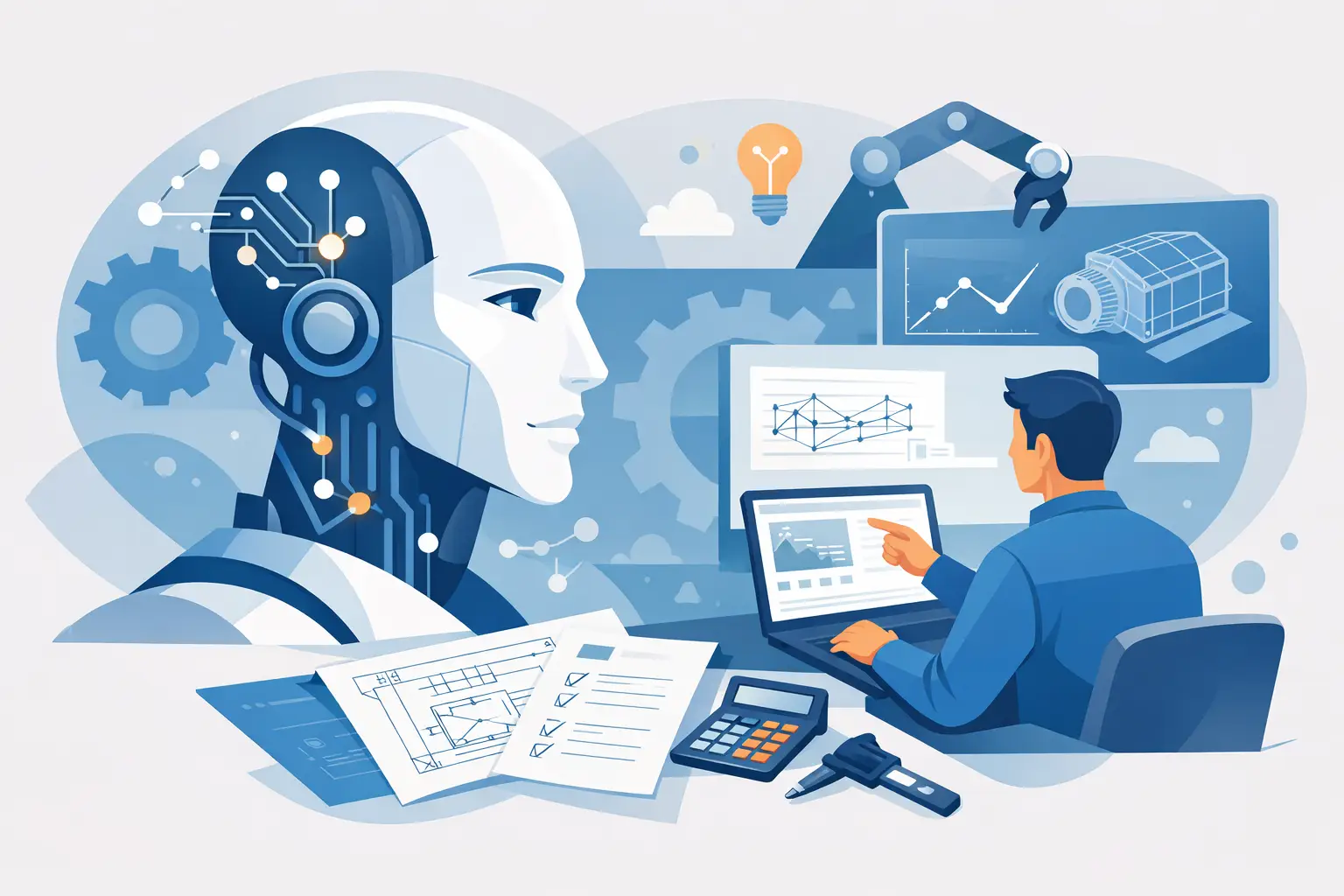
A beam check that takes five minutes to solve can still take forty minutes to document properly. That gap is where AI in engineering worksheets becomes useful. Not as a replacement for engineering judgement, and not as a black box solver, but as a faster way to build readable calculation sheets with the maths, assumptions, units and notes still in plain view.
For most engineers, the real bottleneck is not typing one formula. It is setting up the worksheet, naming variables clearly, keeping units consistent, explaining assumptions, formatting outputs, and making the whole thing reviewable by someone else six weeks later. Generic AI tools can help with fragments of that process, but engineering worksheets need more discipline than a chat window usually provides.
Where AI in engineering worksheets fits
Engineering calculations are not just about getting a number. They are technical documents. A useful worksheet needs inputs, equations, intermediate steps, design criteria, commentary and outputs arranged in a way that another engineer can audit. If any of those pieces are hidden, the result may be quick to produce but hard to trust.
That is why AI works best in worksheets when it supports authorship rather than replacing structure. Good use cases include drafting equation blocks, suggesting variable names, generating explanatory notes, building a first pass of a design check, and helping convert repeated methods into reusable templates. In each case, the engineer still owns the model and verifies the result.
The difference matters. If AI produces an answer with no visible logic, it creates review risk. If it helps construct a worksheet where formulas, units and assumptions are explicit, it reduces repetitive effort without weakening traceability.
What engineers actually need from AI
The phrase AI often gets stretched to cover everything from autocomplete to autonomous design. In worksheet workflows, the practical requirement is narrower. Engineers need assistance that respects calculation structure.
That starts with unit-aware maths. A generated equation is not very helpful if force, stress and length terms are mixed carelessly. It also requires readable notation. Variables should be named in a way that supports checking, not just machine generation. The same applies to assumptions. If a bolt stiffness check assumes linear elastic behaviour, or a beam deflection check assumes small deflection theory, that context should sit alongside the equation rather than in someone else's memory.
Engineers also need output that can be reused. Many calculations are variations on a familiar method. The value of AI increases when a drafted worksheet can become a repeatable template rather than a one-off response pasted from a generic tool.
What good AI assistance looks like in practice
Consider a common engineering task such as a simply supported beam deflection check. The mechanics are straightforward, but a professional worksheet still needs geometry inputs, material properties, load cases, section properties, governing equations, unit consistency, result interpretation and perhaps a small plot.
AI can accelerate the first draft by laying out the variables, inserting the standard deflection expression, and proposing notes that explain where the method applies. That can remove the blank-page problem and save time on repetitive setup. The engineer then adjusts the model to suit the specific loading, confirms the section properties, checks sign conventions, and verifies the output against expectation.
The same pattern applies to a bolted joint calculation, a pressure drop estimate or a plate bending check. AI is useful when it reduces worksheet assembly time. It is less useful when it pretends the verification step is optional.
A well-designed worksheet environment makes this distinction clearer. Instead of scattering values across cells with hidden references, it treats the calculation as a readable technical document. That means formulas, notes, plots and outputs live together. In that setting, AI becomes an authoring aid rather than a source of opaque results.
The trade-offs engineers should keep in mind
There is a real productivity gain available here, but it comes with limits.
First, AI is good at producing plausible engineering language. Plausible is not the same as correct. A generated formula may look familiar while containing a subtle error in coefficient, boundary condition or unit treatment. That is especially risky in calculations that branch into code checks, empirical factors or iterative methods.
Second, context can be thin. A generic model may not know whether your worksheet is intended for preliminary sizing, final design checking or client-facing documentation. Those are different standards of output. A rough internal estimate can tolerate some simplification. A calculation package issued for review cannot.
Third, standardisation can become a hidden problem. If AI helps every engineer create worksheets more quickly, teams can end up with more documents but not necessarily more consistency. Unless there is a shared structure for snippets, templates and notation, speed can simply amplify variation.
That is why the best workflow is usually controlled assistance. Let AI draft, rephrase and assemble. Let the engineer define scope, validate equations and decide what belongs in the final calculation record.
Why worksheet structure matters more than raw generation
Most failures in calculation communication are not mathematical failures. They are documentation failures. Someone cannot tell which assumptions were used. A conversion happened manually and was not obvious. An output was copied into a report with no visible derivation. A spreadsheet was duplicated so many times that nobody trusts which version is current.
AI does not fix those problems by itself. Structure does. A worksheet that combines equations, notes, units, images and plots in one browser-based document creates a better foundation for AI assistance because the generated content has somewhere sensible to live.
This is where purpose-built engineering software has an advantage over a general spreadsheet or a general chatbot. In a structured worksheet, AI can help write the first pass of a section, suggest explanatory text for a design check, or build reusable snippets for recurring analyses. The result is still a technical document, not just a grid of cells or a pasted conversation.
For engineers working across SI, USCS and CGS units, that structure becomes even more important. AI-generated equations are only as useful as the unit system that supports them. If unit awareness is built into the worksheet, there is far less room for silent conversion mistakes.
A practical standard for adopting AI in engineering worksheets
If you are evaluating this capability, the useful question is not whether AI can do engineering. It is whether it improves the quality and speed of engineering documentation without making review harder.
A sensible standard is simple. The worksheet should remain readable by another engineer without needing the AI prompt history. Inputs should be explicit. Equations should be inspectable. Assumptions should be stated. Units should travel with the maths. Outputs should be easy to trace back to source expressions. If those conditions are met, AI is helping.
It also helps to separate generation from approval. Let AI assist with drafting and formatting. Keep sign-off with the engineer. That sounds obvious, but it is the line that preserves professional accountability while still capturing time savings.
In practice, this means the strongest use of AI is often upstream of the final answer. It helps create the worksheet faster, explain the method more clearly, and turn repeat calculations into reusable assets. For a platform such as Calculeaf, that approach aligns naturally with the idea of calculation sheets as shareable technical documents rather than temporary working files.
The likely direction from here
AI in engineering worksheets will become more valuable as it gets more constrained, not less. Engineers do not need theatrical automation. They need assistance inside a system that understands units, equations, documentation and reuse.
The next useful step is not an AI that hides more of the process. It is one that helps engineers produce clearer calculations with less manual effort. That includes drafting worksheet sections, adapting templates for new projects, generating notes around assumptions, and supporting iterative calculations in a way that remains visible and reviewable.
When that happens, the benefit is not just speed. It is better engineering communication. A good worksheet should explain itself well enough that another competent person can follow the reasoning, challenge the assumptions and reuse the method. If AI helps create that kind of document faster, it has earned its place.
The most practical view is also the least dramatic: use AI where it reduces repetitive worksheet authoring, keep the engineering logic inspectable, and treat clarity as a design requirement rather than an afterthought.