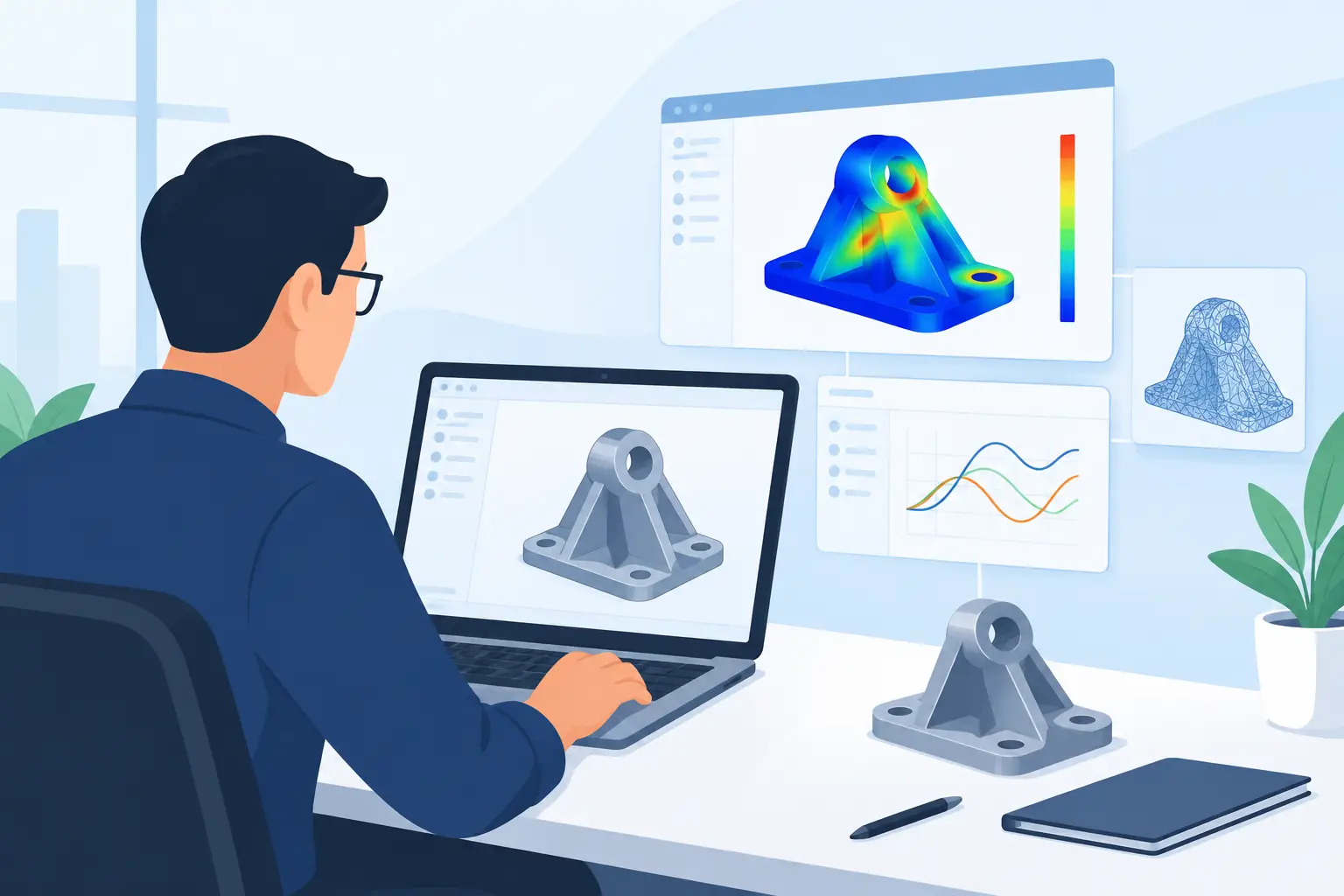
A design analysis app review should not begin with a feature checklist. The real question is whether the software makes an engineering calculation easier to verify six months later, when a colleague, checker or client needs to understand the basis of a design decision. A result without visible assumptions, units and working is only part of the engineering work product.
For routine checks such as beam deflection, connection stiffness, pressure loss or load combinations, engineers need more than a place to enter numbers. They need a calculation environment that keeps the method, inputs, intermediate values and conclusion together. That is where a purpose-built analysis app can differ materially from a conventional spreadsheet.
What a design analysis app must do well
The most useful tools support a complete calculation workflow: define the problem, state assumptions, perform the mathematics, check the result and present the output for review. If any one of those steps sits in a different file, or only exists in the engineer's memory, the calculation becomes harder to maintain.
Make units part of the calculation
Manual conversion remains one of the least interesting and most persistent sources of engineering error. A worksheet might contain millimetres in one section, metres in another and a material property copied from a source using US customary units. In a generic spreadsheet, the burden is on the author to track every conversion and label every cell correctly.
A design analysis app should use unit-aware mathematics, allowing values to carry their dimensions through the calculation. That means a force divided by an area returns stress, a moment of inertia is not mistaken for an area moment, and incompatible quantities can be identified before they become a polished but incorrect answer.
This does not remove engineering judgement. The software cannot decide whether a model assumption is appropriate or whether a code clause applies. It does reduce the administrative effort around units, which lets the engineer focus on the physical problem.
Keep calculations readable without hiding the maths
There is a trade-off between speed and traceability. A compact spreadsheet can be quick to build, but it often relies on cell references such as `=F27H31/(2J14)`. That expression may be mathematically valid, yet it tells a reviewer very little unless they trace several linked cells.
A stronger approach presents formulas alongside named variables, explanatory notes and calculation sections. A bolt stiffness check, for example, should show the assumed grip length, bolt area, material modulus and resulting stiffness in a readable sequence. A reviewer should not have to reverse-engineer the logic by clicking through a grid.
Readable calculation sheets are also useful outside formal checking. They make it easier to return to a design after a change in geometry, load or material grade, because the original reasoning is still visible.
Support technical documents, not just numerical outputs
Engineering calculations are frequently shared as PDFs, appended to design packages or issued as part of a technical note. The output therefore needs structure. Headings establish the calculation scope, notes record assumptions, plots show relationships, and images can clarify geometry or load paths.
An app that treats these elements as part of the worksheet avoids a common spreadsheet workflow: calculate in one application, create figures elsewhere, then manually assemble the narrative in a document editor. That process works for occasional tasks, but it creates opportunities for versions to drift apart.
A printable calculation page should be readable at normal zoom and on paper. It should make clear what was checked, which values were used and whether the acceptance criterion was met. A visually tidy page is not cosmetic. It is evidence that the calculation can be reviewed efficiently.
Design analysis app review: where spreadsheets fall short
Spreadsheets remain practical for tabular data, simple estimates and quick comparison studies. Most engineering teams use them for good reasons. Their weakness appears when the workbook becomes a design record containing many linked checks, repeated calculations and project-specific assumptions.
Cell-based models can obscure dependencies, particularly after rows are inserted, formulas are copied or values are overwritten. A workbook may also contain multiple sheets with similar names, local unit conventions and inconsistent formatting. None of these issues necessarily invalidates the calculation, but each increases review time and makes reuse less reliable.
A specialised design analysis app is most valuable when the calculation needs to be both computed and communicated. The distinction matters. If the task is a one-off arithmetic check with no need for handover, a spreadsheet or even a hand calculation may be faster. If the task will be checked, revised, issued or reused across projects, a structured worksheet generally earns its place.
The right review question is not whether an app replaces every spreadsheet. It is whether it reduces the spreadsheet sprawl around design-critical work.
Practical capabilities to assess
When evaluating a calculation platform, start with the maths required in your discipline. Basic arithmetic and algebra are not enough for many real checks. Structural and mechanical workflows may need vectors, matrices, interpolation, statistical functions, root finding or iterative calculations. The available functions should be documented clearly and behave predictably with units.
Next, assess how the tool handles iteration. Some checks require a trial value to influence an output that, in turn, updates the trial value. Examples include nonlinear geometry approximations, thermal balance calculations and sizing exercises governed by a limit state. Iterative calculations should be explicit, with a clear convergence condition rather than a hidden circular reference.
Then consider reuse. Reusable templates and snippets can standardise recurring work such as steel member checks, reinforced concrete preliminary sizing, pump calculations or fastener assessments. A good template saves time without forcing every project into the same assumptions. Engineers should be able to copy a worksheet, adjust the stated basis and retain a clear record of what changed.
Finally, test the sharing workflow. Sending a worksheet copy should preserve formulas, notes and units, not merely export a static result. Static pages are useful for issue records, while editable copies are valuable for peer review and adaptation. Both have a place in a professional workflow.
A realistic workflow for a design check
Consider a simply supported beam subject to a service load. The calculation begins with a short scope statement, followed by the span, load arrangement, section properties, elastic modulus and deflection limit. Each input includes its unit and source or assumption where needed.
The worksheet then calculates reactions, maximum bending moment and deflection. A plot can show the moment or deflection distribution, while a short note explains whether self-weight is included and which serviceability criterion is being applied. The final comparison presents calculated deflection against the allowable limit in the same section as the conclusion.
That is a small example, but the pattern scales. The same document-led structure works for a foundation bearing check, a heat-transfer calculation or a piping pressure drop assessment. The result is not merely a number. It is a technical record that another engineer can inspect and use.
Calculeaf is designed around this model, combining unit-aware formula evaluation with notes, plots, images and printable calculation pages in a browser-based workspace. Its value is strongest for engineers who want reusable calculation documents rather than another opaque workbook.
Limits worth recognising
No analysis app replaces validated specialist simulation software where finite element analysis, computational fluid dynamics or detailed code-specific design modules are required. A calculation worksheet is usually best suited to transparent design checks, preliminary sizing, verification calculations and repeatable engineering methods.
There is also a learning curve when moving away from grid-based spreadsheets. Teams accustomed to cell references may initially need to adjust how they name variables, organise sections and write assumptions. That adjustment is worthwhile only if the team uses the resulting readability and reuse. A well-structured tool cannot compensate for poorly defined inputs or unreviewed engineering judgement.
For engineers evaluating a design analysis app, the most useful test is simple: build one live calculation that you expect to revise or submit for checking. If the worksheet makes the assumptions, units, method and conclusion easier to see without extra formatting work, it is supporting the engineering process rather than adding another place to manage data.