AI assistant
Open the assistant when you want a first draft, a second read of a sheet you have written, or a plain answer about what a page is doing. Everything it writes is ordinary worksheet content you can edit. Everything it writes is also unchecked.
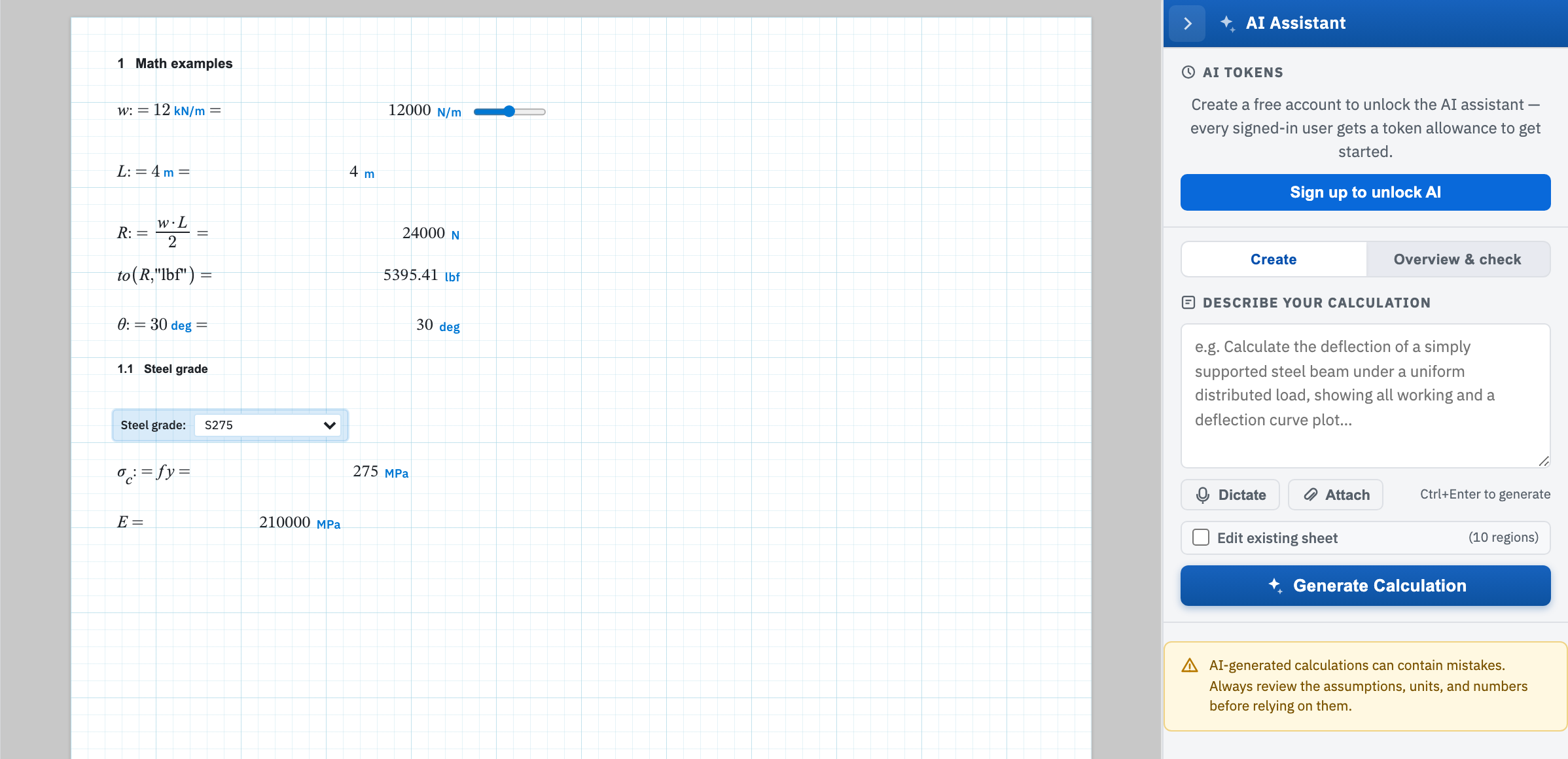
Click the star tab on the right edge (Open AI Assistant) to open the panel. Click the chevron in the header (Close AI panel) to close it. Create writes regions from a description you type. Overview & check reads the sheet already in front of you. AI tokens at the top shows what is left of your monthly allowance. Guests see a sign-up prompt in its place. The disclaimer at the bottom of the panel is visible on both tabs.
The pages
- Create a worksheet — what belongs in a prompt: the code or standard, the geometry, the loads, the units.
- Edit a worksheet — the Edit existing sheet tick box, and what happens to the regions already on the page.
- Review a worksheet — the Overview & check tab: a full pass over the sheet, or a single question about it.
- Attachments and tokens — sending a PDF or image with a prompt, and what spends the monthly allowance.