Desktop, mobile, and account
The maths is the same wherever you open a worksheet. Assignments with
:=, units carried through the arithmetic, regions evaluated
down the page. What changes is where the file is stored, how much of the
editor fits on the screen, and who else can read or write your values.
The free web editor at /app/ has the full ribbon and stays the sensible default. Everything below is either another place to run the same calculation, or a setting in Account settings that governs one of them.
The pages
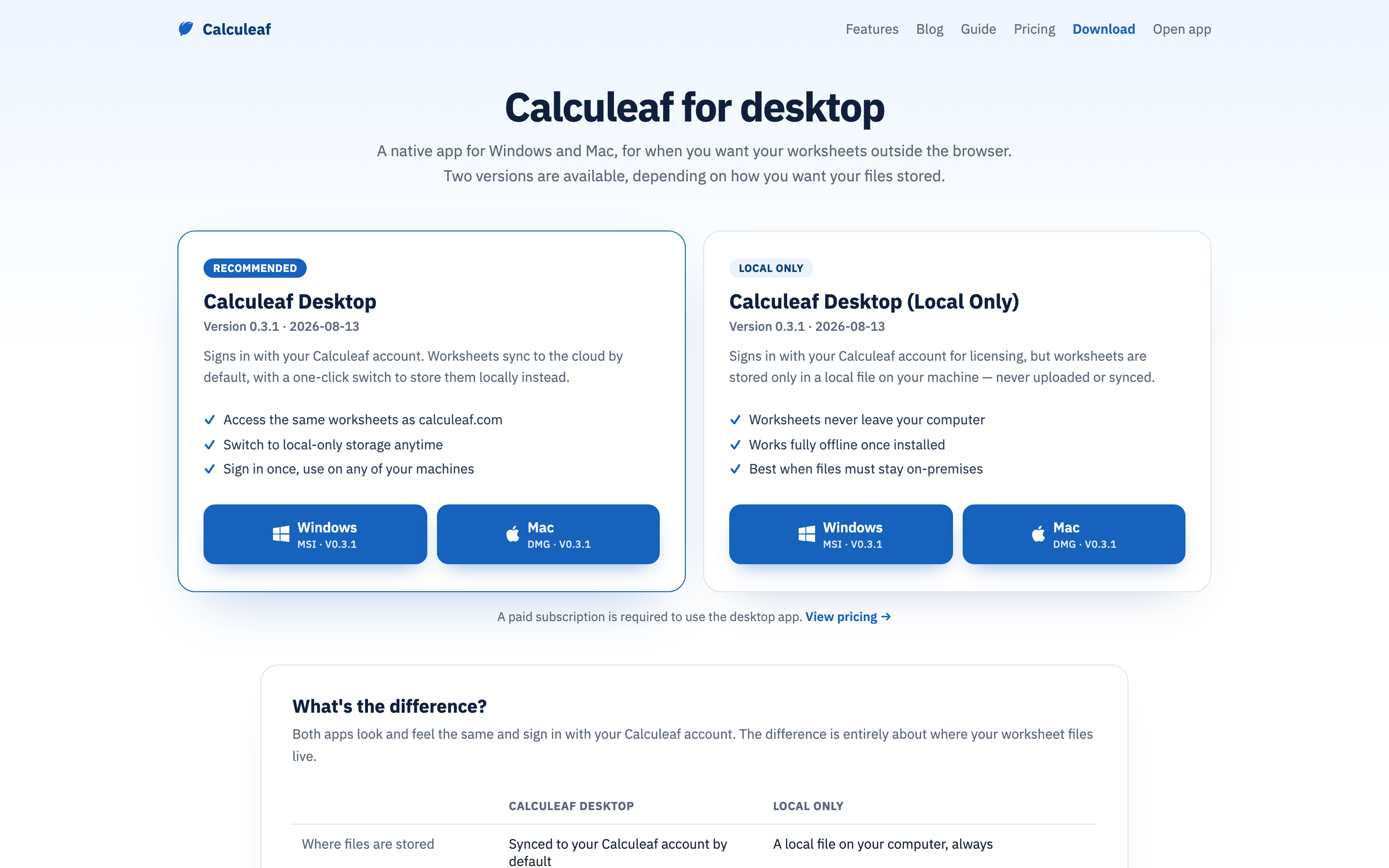
- Desktop vs Local — which installer do I want, and what do I give up by keeping files on the machine?
- Mobile app — what can I actually do with a worksheet at /mobile/, and what needs a bigger screen?
- Inventor add-in — how do I make a part dimension and a worksheet variable the same number?
- Billing — what costs money, and where do I change or cancel a plan?
- API tokens — how does a script read one answer or set one input in a saved sheet?