Section table
Insert a section table when the pack runs to a dozen pages and a reviewer wants to click through to the check they care about. It sits on the Text tab, in the Sections group, as Table. The rows are clickable bookmarks to every section header, and they keep working in the exported PDF.
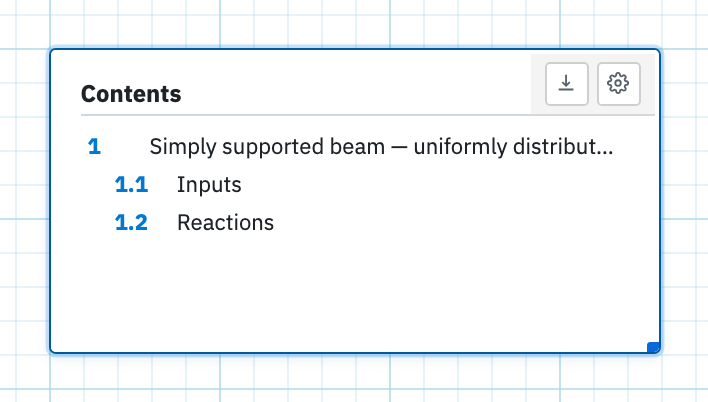
Insert a contents block
- Mark the headings you want listed. See Sections. Nothing else qualifies: the table lists text regions carrying a section mark, in page order.
- Open the Text tab.
- Choose Table in the Sections group.
- Click the page. The contents region appears where you clicked, and you can move and resize it like any other region.
The list keeps itself current as you add, rename, reorder or unmark headers, so it can go in before the calculations are finished. Until at least one section is marked it reads: Mark text regions as sections to populate this table.
Heading and numbers
The gear on the region toolbar opens Section table settings. Table heading is the title printed above the list, with Contents as its placeholder. Show section numbers decides whether each row is prefixed with its number.
Take the outline elsewhere
The download icon on the toolbar is Export to Excel. Right-clicking the region offers the same Export to Excel… command. Use it when a document register wants the outline as a spreadsheet. Printing keeps the rows as clickable bookmarks in the PDF instead.