Billing
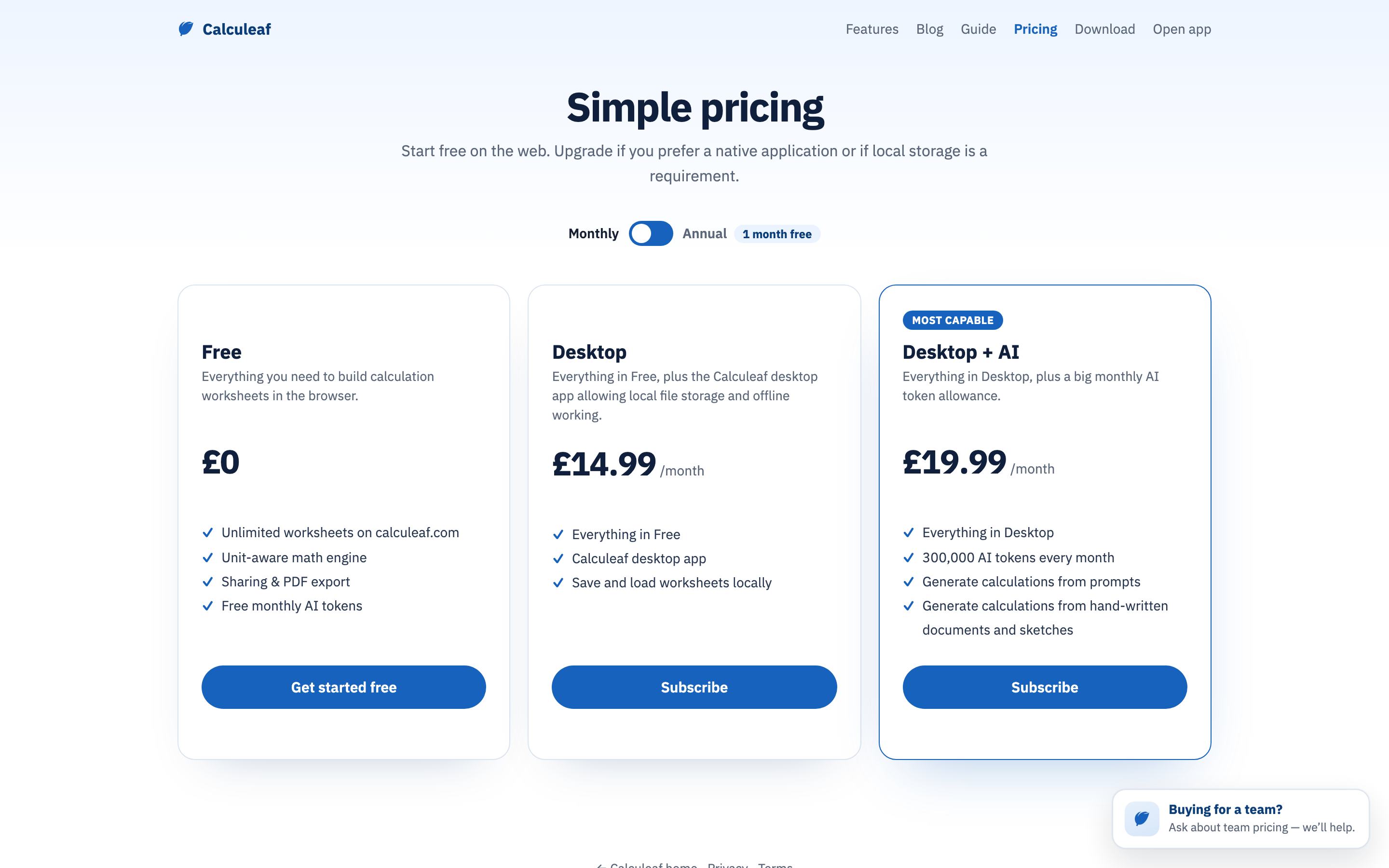
Two things cost money: the desktop apps, and AI tokens beyond the free monthly allowance. Everything else — the web editor, units, plots, sharing, review — is free. You only end up on /pricing/ because you want to work outside the browser or you are running out of tokens. There are three plans: Free, Desktop, and Desktop + AI, which adds 300,000 AI tokens a month, each billed monthly or annually.
Change or cancel a plan
- Sign in and open Account settings.
- Read the current plan under Subscription.
- Choose View plans to go to pricing and subscribe or move tier. Manage billing opens the billing portal for a card change, an invoice, or a cancellation; it only appears once you have a subscription.
Buy more tokens in the AI panel is a one-off top-up on the same billing account rather than a plan change, and those tokens do not expire — see Attachments and tokens.