Evaluation order
Put the definition above the formula that uses it. Calculeaf walks the page the way a reviewer reads it: top to bottom, then left to right.
A name exists for everything that comes after it in that walk. The order is visual. It is not the order you inserted the regions in, and it is not a hidden dependency graph.
What counts as a row
Only body regions that define or consume values take part: math, lists, sliders, and 2D or 3D frames. Header and footer regions are skipped.
The rest are grouped into rows. The rows run top to bottom. Within a row the regions run left to right by their left edge. Ties fall back to the top edge, then to the order they were created in.
Two blocks share a row when their boxes overlap vertically by at least 28 pixels, or by 22% of the shorter box if that is more, and the horizontal gap between them is no wider than 120 pixels. A region can also join a row through a neighbour, so a run of short assignments strung across the page stays one row even where the ends never overlap.
That tolerance is the point. A fraction or a matrix renders taller than a plain product, so side-by-side assignments rarely have matching box tops.
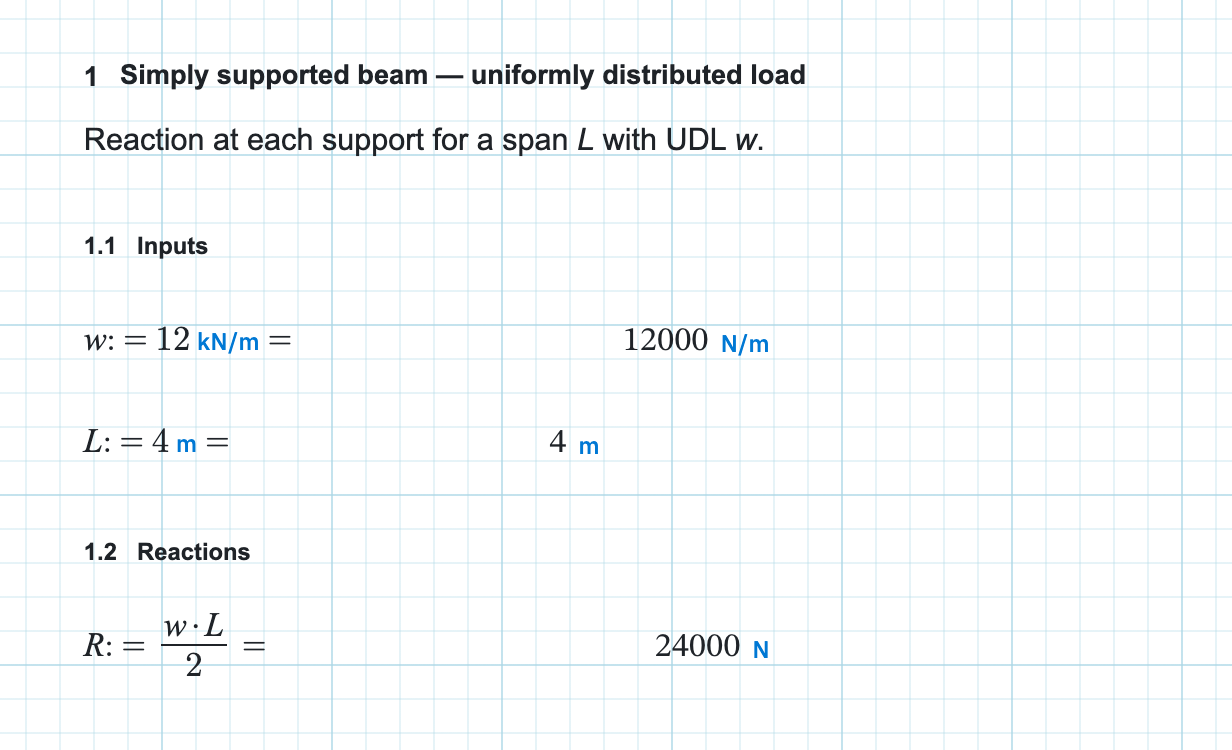
w := 12 kN/m       L := 6 m          row 1, left then right
M := w*L^2/8 =     54 kN*m           row 2, both names in scope
Re-run the whole page
Typing updates the region you are in. To refresh the entire chain after a paste, a change of unit system, or a new list selection, press Ctrl+Enter or use Evaluate on the Home tab, in the Calculate group. Hover Evaluate and it spells the rule out: Evaluate All, order is top-to-bottom, then left-to-right.
When the order is wrong
You see the name reported as missing rather than a warning about layout. A
region reading M := w*L^2/8 placed above its inputs returns
'w' is not defined, even though w is plainly on the
page. It is later in the walk.
Lists and sliders contribute their current
values at their own place in this sequence, and a
2D frame or
3D frame publishes its answer
names where it sits. Names defined with := follow the rules under
variables and scope.