Desktop vs Local
Install a desktop app when you want the editor outside the browser. There are two installers on /download/. Choosing between them is not a features decision. Both look like the web editor. Both sign in with your Calculeaf account. Both run the same math language. Both need a paid subscription — see Billing. The only question is whether a worksheet is allowed to leave the machine.
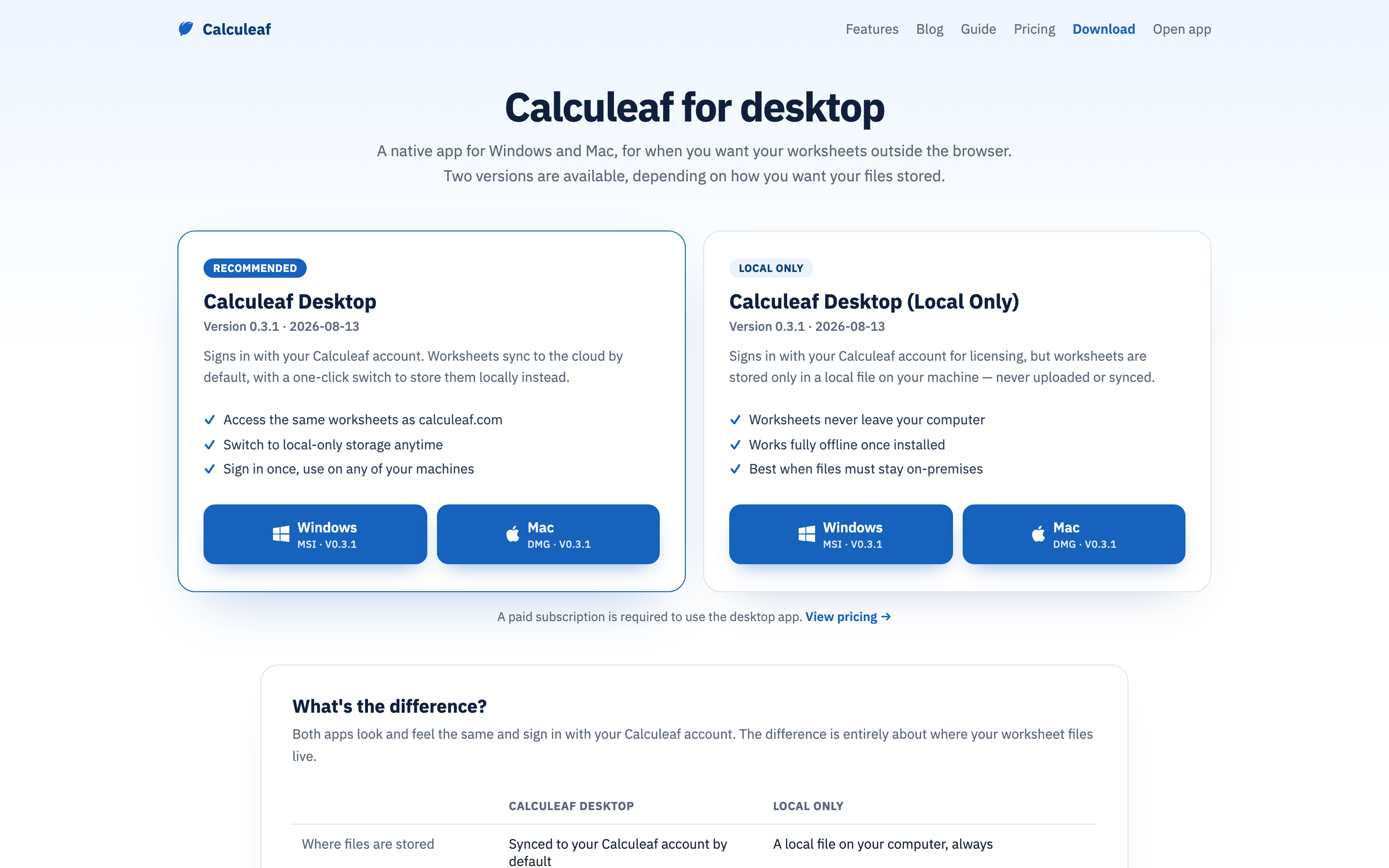
Which one to install
| Calculeaf Desktop | Local Only | |
|---|---|---|
| Where files are stored | Synced to your Calculeaf account by default | A local file on this computer, always |
| Switch storage mode | Yes — flip between local and cloud at any time from the account menu in the app | No, and there is no cloud option to switch to |
| Open the same sheet elsewhere | Yes in cloud mode, including in the browser and on a phone | No — the files stay on this machine |
| Works offline | Yes, in local mode | Yes, always, once installed |
What Local Only gives up
Most people want Calculeaf Desktop. It does everything Local Only does and can also sync. Choose Calculeaf Desktop (Local Only) when a policy says the file must never leave the machine, and you would rather the app be incapable of uploading it than trust a setting.
It signs in for licensing, but worksheets are stored only in a local file — never uploaded, never synced. With no copy in your account there is nothing to open from a second machine, nothing to see at /app/ or on a phone, and no server-side sheet for the Inventor add-in or the API to address. The editor itself is not cut down: same ribbon, same units, same functions, same answers.
Signing in, licensing, and updates
On first run the app opens your browser to authorise the connection. What it asks for differs by build. Calculeaf Desktop asks to read, save, and delete the worksheets in your account and to apply your AI credits. Local Only asks only to confirm who you are and to apply AI credits, and states that your worksheets are stored on this computer and are never uploaded through the connection. Choose Authorize and return to the app.
Only one computer can be connected at a time. Authorising a new machine disconnects the previous one, though other Calculeaf apps on that same computer stay connected. Revoke a machine yourself under Account settings → Connected Applications. If the subscription lapses, the connection stops authenticating and the app sends you back through the consent page, which explains that the Desktop plan or higher is needed. Installers are MSI or EXE on Windows and DMG on Mac. Once installed, the app checks calculeaf.com for a newer build and can download and install it for you.