Attachments and tokens
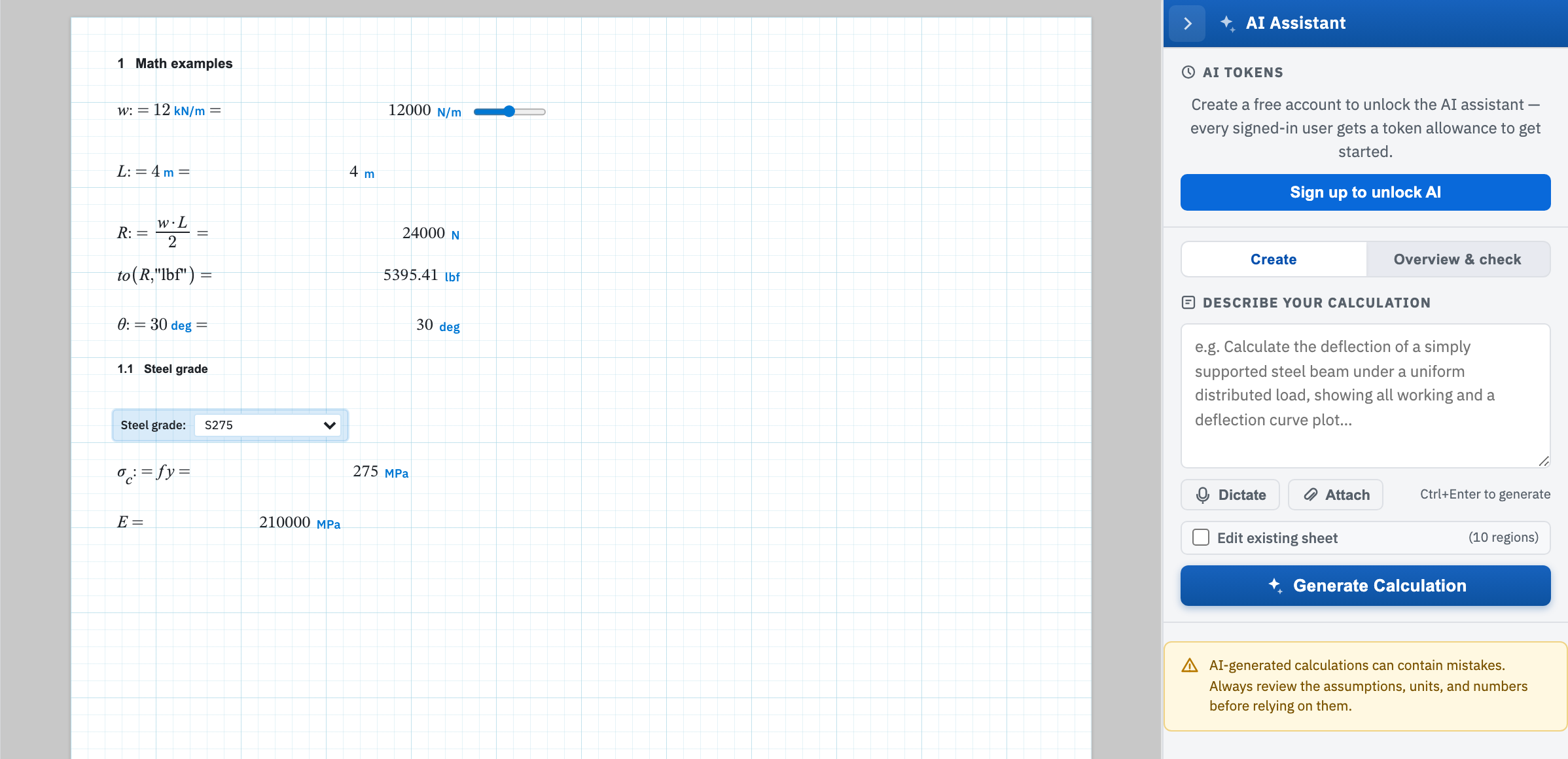
AI tokens at the top of the panel is your monthly allowance. The bar fills as you spend it. The figure beside it reads how many tokens remain out of the total. It changes to Out of tokens once the allowance and any top-up are gone. Guests see Create a free account to unlock the AI assistant and a Sign up to unlock AI button in place of the bar.
What spends the allowance
Tokens are charged for everything sent to the model and everything it sends back. The cost of a call tracks how much text is involved.
- Generating a sheet costs your prompt plus all the regions written back. That makes it the most expensive of the three by some margin.
- An edit sends the whole current worksheet as context alongside your instruction, so the same edit costs more on a long sheet than a short one.
- Overview and check also sends the whole sheet. A question is answered with a much shorter reply than a full review, so it costs less.
- An attachment is charged as input on top of the prompt.
Attach a PDF or image
Attach on the Create tab takes a PDF or image up to 10 MB — PDF, PNG, JPEG, GIF, or WebP. Anything else is refused with Only PDF, PNG, JPEG, GIF, or WebP files can be attached. An oversized file is refused with Attachment is larger than 10 MB. A chip under the prompt then shows the file name and size. The × on it is Remove attachment. Send a drawing, a datasheet, or a scanned calculation you want the assistant to follow.
Topping up
The free allowance refreshes at the start of each month. Buy more tokens reads Buy tokens to continue once you are empty. Purchased tokens are spent only after the free allowance, and they do not expire. Plans and extra tokens are on pricing. Account settings lists your subscription — see Billing. Generate, edit, and overview each spend tokens. A run that fails reports in the status panel.