Variables and scope
Define a name with :=. Every region that evaluates after it can
use that name. There is no block scope, no local scope, and no import step
for ordinary math. Put an input near the top and the whole sheet below can
use it.
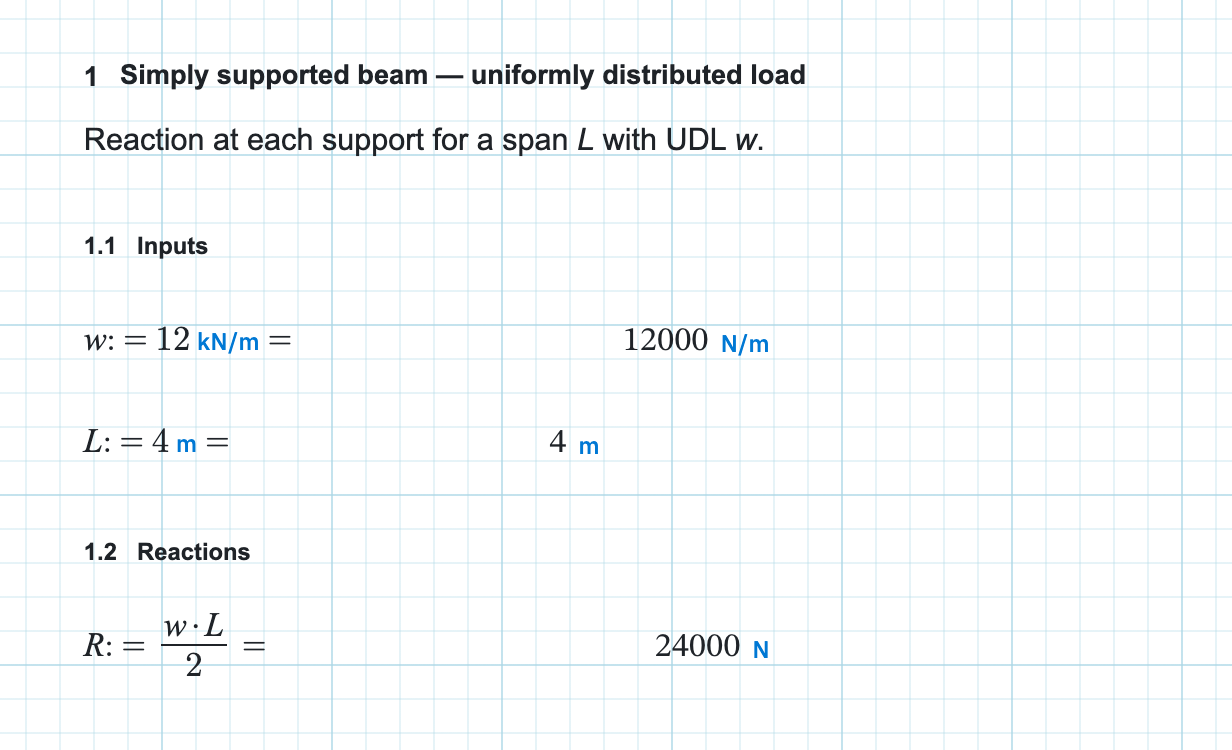
Where a name is visible
Visibility follows evaluation order, and evaluation order is visual. Rows run top to bottom. Regions within a row run left to right. Evaluation order explains how Calculeaf decides which regions share a row. A definition placed below a use, or to the right of it on a later row, is not in scope when that use runs.
Get it wrong and the region reports 'name' is not defined, with
the name you actually typed in the quotes. The fix is positional rather than
syntactic: move the assignment up the page, or left on the same row.
Defining the same name twice
A later := on the same name overwrites the value from that point
down. Earlier regions keep the value they saw when they ran. There is no
shadow stack to pop back to. The rule holds for built-in names too, so
assigning to sin or pi replaces the built-in for
every region below that assignment. That is occasionally what you want and
more often a typo. Check when a trigonometric answer looks impossible.
To rename a name everywhere it appears rather than shadowing it, use find and replace variables.
What makes a legal name
- Letters, digits, and underscores, as long as the first character is not a digit:
w,L_span,sigma_x. - Greek letters, typed or inserted:
θ,σ_x. See Greek letters and symbols. - Dotted names for code-style identifiers, such as
N_b.Rd. - Prime marks anywhere in the name, for notation such as
f'_c.
What you cannot write is a function of your own. Typing
name(x) := ... returns
Function definitions are not supported. Use a built-in from
Functions ▾, or write the expression out at each place you
need it.
Names that arrive without an assignment
Three region types put names into scope without a := anywhere on
screen. A dropdown list contributes the
variables of whichever entry is selected. A
slider contributes its current value. A
2D frame contributes its result names. Each injects at its own place in the
sequence, and from there the names behave exactly like assignments.
Next, units so you can attach kN/m to a number and see what happens when the dimensions do not agree.