Mobile app
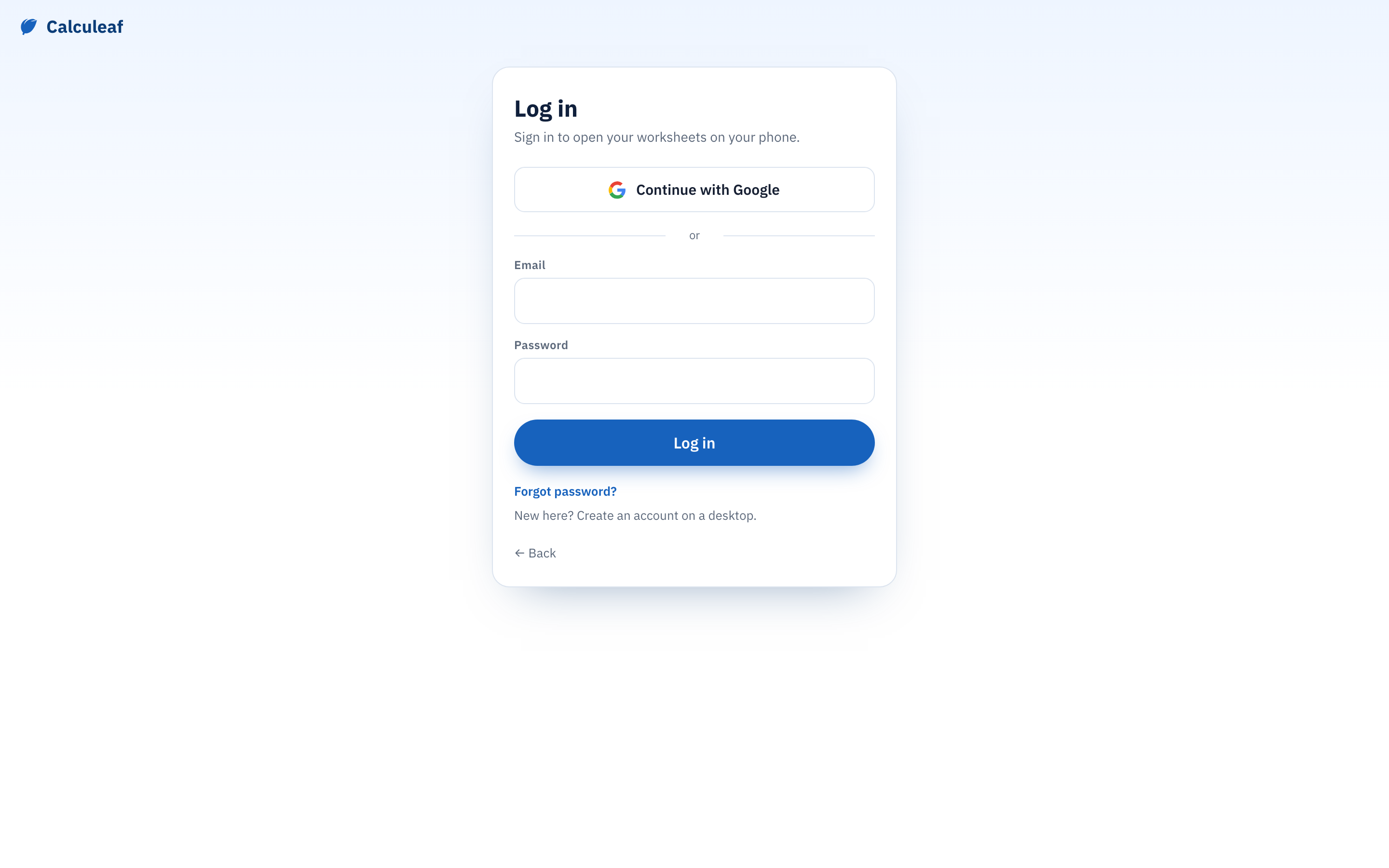
Open /mobile/ on a phone to read a calculation already in your account, or to change an input away from a desk. It is a lighter client, not the editor squeezed into a narrow window. The worksheet becomes a single column of regions with no ribbon. You tap a region to work on it. Sign in with the same account as the browser — there is no guest mode — and it opens the sheet you last had open.
What you can do on a phone
- Read each math region typeset with its answer, or its error text if it failed.
- Tap a math region to edit the expression, set an Output unit, or delete it. Tap a text region to edit the note behind it.
- Change a dropdown region's selection. Saving any of these re-evaluates the sheet, so answers below what you changed update too, and the edit goes straight to your account — it is waiting in the browser and in the desktop app in cloud mode. See Saving.
- Rename the worksheet from its title, switch between SI, USCS, and CGS, search Your worksheets to jump to another sheet, or log out — all from the menu button.
What needs a bigger screen
Plots, tables, and diagrams appear as a labelled placeholder reading Open on a larger screen to edit. Pictures display without being editable. With no ribbon there is nothing to insert a plot, a table, a 2D frame, or a picture with, and no way to add a fresh math or text region to an existing sheet. Treat the phone as review plus small edits. A long sheet with a 2D frame or several plots wants the desktop app or a wide browser window.
Ask AI and the camera
Ask AI in the bottom bar turns a description into a calculation. Photo attaches a shot from the camera or the photo library to the same request — useful for a sketch, a nameplate, or a page of a standard. PNG, JPEG, GIF, and WebP are accepted up to 10 MB.
Expect two things. It always creates a new worksheet rather than adding to the one you were reading. And what comes back is a draft to check, not a verified calculation.