Review a worksheet
Point Overview & check at a sheet you have finished. You get a written summary of what it computes, and a list of what looks wrong, before the calculation goes to anyone else. The tab is labelled Sheet review.
Leave Ask a question empty and choose Run overview & check for a full pass. Type a question instead and the button becomes Ask question, which answers that point and skips the review. Either way, Ctrl+Enter submits from the box.
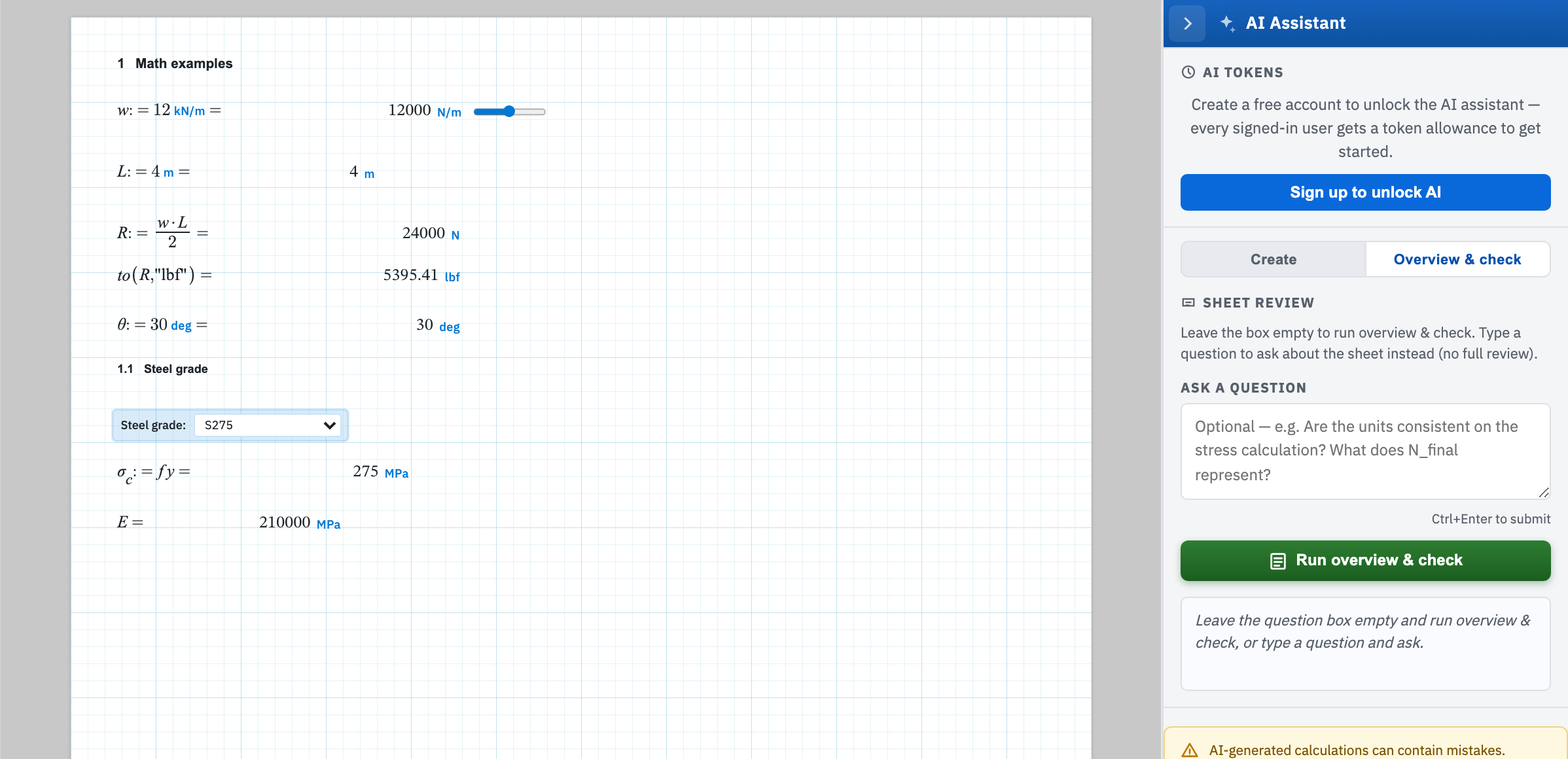
Run a full pass
The sheet is re-evaluated first. Then every region on the body of the page is read top to bottom. Each math expression goes up with its answer, units, and any engine error.
Back comes a plain-English overview of what the worksheet computes, then up to three lists. Errors covers broken math and contradictions within the sheet. Warnings covers softer engineering judgement: unit and magnitude concerns, or undocumented assumptions. Then Notes. Items cite the region number. The status line closes with the error count, or no blocking errors.
Ask about one thing
A question gets a direct answer about the current sheet and nothing else. No overview. No audit. The placeholder gives the register: Are the units consistent on the stress calculation? What does N_final represent? It is the cheaper of the two calls. It is the useful one when you have inherited a sheet and want a particular variable explained. Questions are capped at 2000 characters.
What it does not replace
This is a second pair of eyes, not a sign-off. It reads what is on the page and can be wrong about any of it, including the parts it calls fine. Formal checking still runs through a named reviewer — see teams and review.