Regions
Click a heading, an assignment, or a picture. Each one is a region: a box with a position and a size. Nothing on a Calculeaf sheet lives outside one.
They all select, drag, resize, copy, and delete the same way.
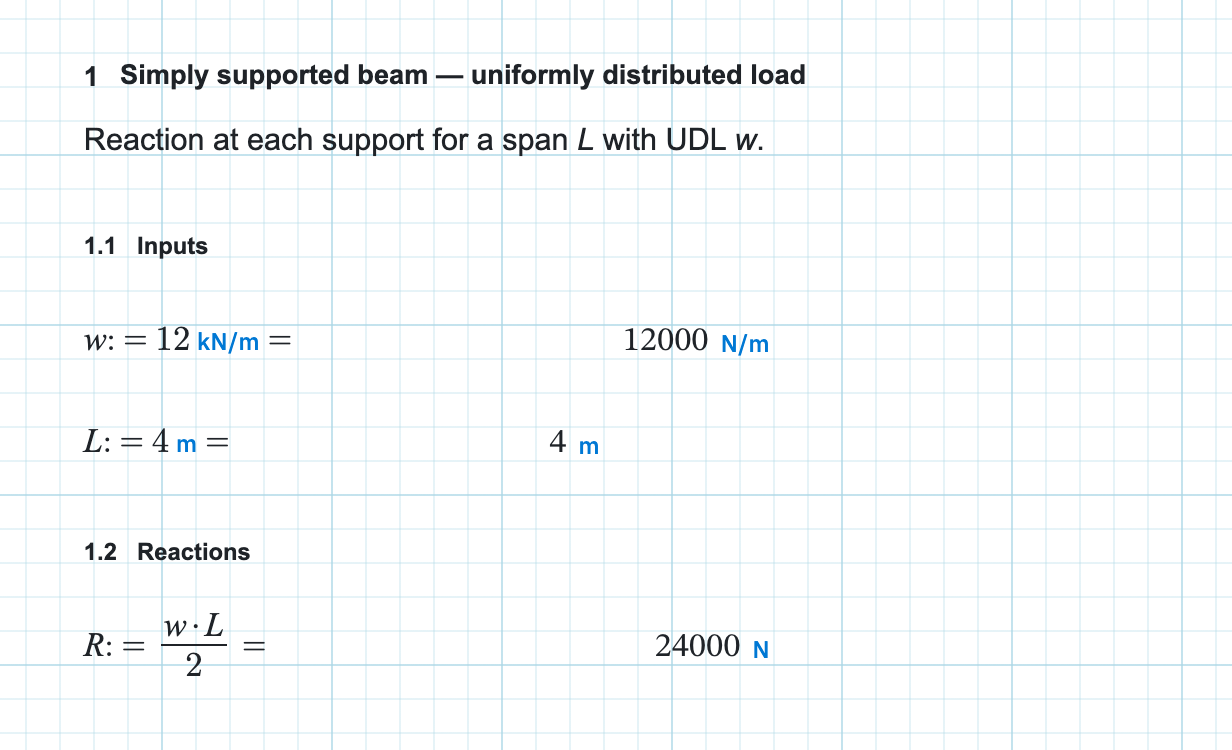
Position is not decoration. Calculeaf reads the sheet the way you would: rows down the page, then left to right along each row. That reading order decides which definition is in scope for which formula. Dragging a region can change an answer.
What every region has in common
Placing or dragging a block snaps it to the grid, so columns stay aligned. Any region can join a multi-selection and then move, align, or resize with the group. It survives cut, copy, and paste intact.
Most types are placed from the Insert tab. Charts have their own Plots tab. Clipboard and undo sit on Home in the Edit group. Sliders, alignment, and conditional formatting are on the right-click menu. The page itself is covered under canvas, zoom, and grid.
Which regions carry values
Math, list, slider, and 2D frame regions take part in evaluation. They define names, or consume them, or both. Text, lines, pictures, plots, sweep tables, and summary tables define nothing. A chart may read a name, but it never adds one to scope. Header and footer regions are skipped altogether, so an assignment parked in a header has no effect. Those bands accept text and pictures only.
The pages
- Region types — what can you put on a page, and which button places it?
- Insert, move, and resize — how do you get a block onto the paper and nudge it into position?
- Selection and clipboard — how do you pick up several regions at once and repeat them?
- Undo and redo — why did undo reverse your typing instead of the move you just made?
- Evaluation order — why is a name you can see on the page reported as not defined?
- Context menu — what does right-click offer on this particular block?