Create an account
Try Calculeaf without an account first.
What you give up is keeping the sheet. A guest worksheet lives in this browser. Close the tab, move to another machine, or clear cookies, and it is gone unless you have signed in and claimed it.
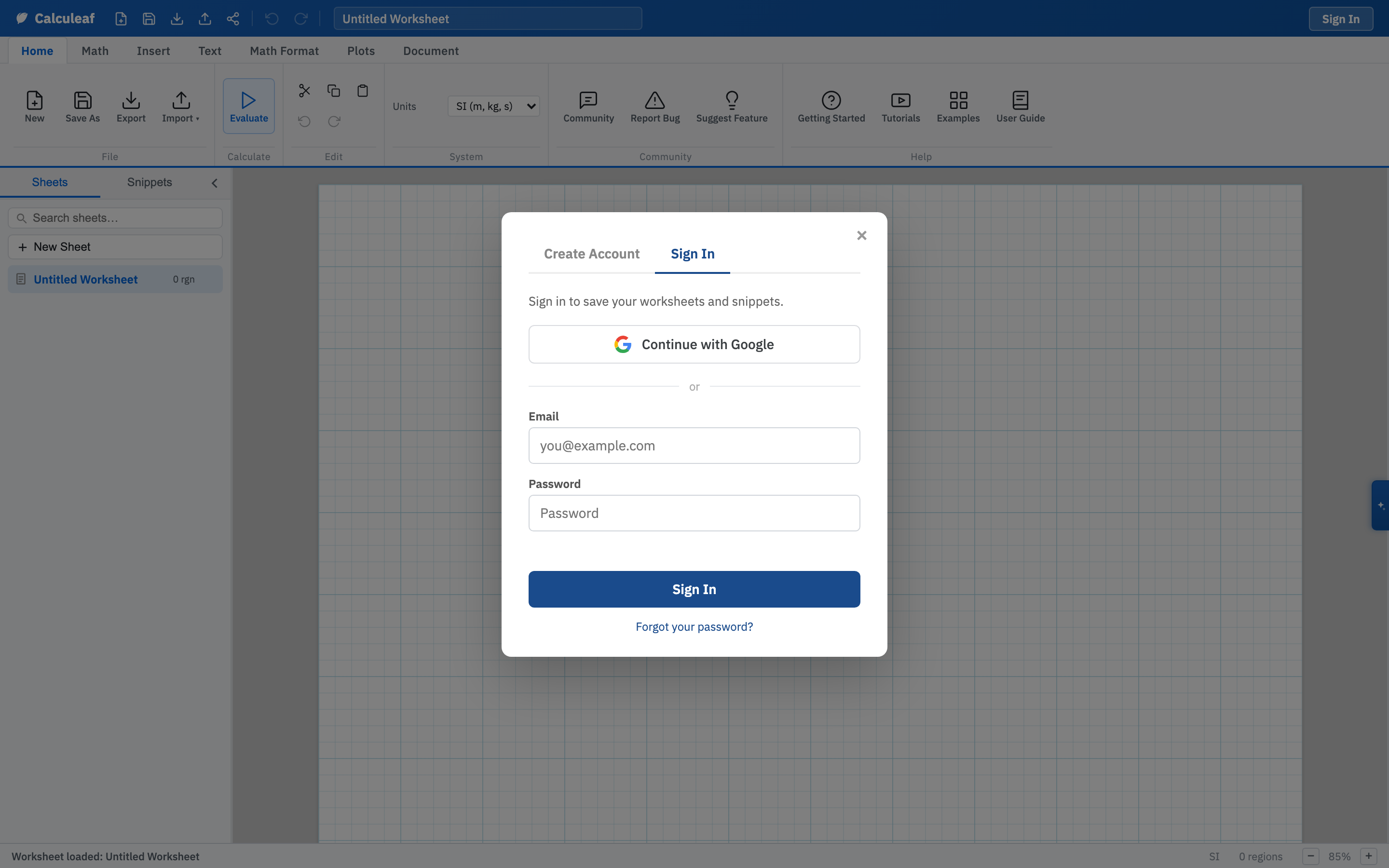
Sign in or create an account
- Open the app.
- Click Sign In at the top right.
- For a new account, use the Create Account tab in the same dialog.
Either tab offers Continue with Google alongside the email and password fields. Use whichever you prefer.
A new email account gets a confirmation message. Follow that link and you land on a short success page, then carry on in the app. If you have forgotten the password, Forgot your password? on the Sign In tab emails a reset link. The reset pages carry the same Calculeaf header as the rest of the site.
Claim a guest worksheet
Work you typed as a guest is not lost when you sign up. Sign in or create the account from that same worksheet. Calculeaf attaches the sheet to your new account. After that it appears in the Sheets sidebar on any browser where you are signed in.
What signing in gives you
- Worksheets sync across browsers and machines, including the desktop app.
- You can save a sheet as a template and start new work from it.
- Share links, teams, review comments, and the AI sidebar all require a signed-in user.
- Account settings at /account/ hold your name, password, billing, team, and API token.
The web app itself is free. Desktop installers and extra AI tokens are paid add-ons listed on the pricing page. You need neither to finish Getting Started.